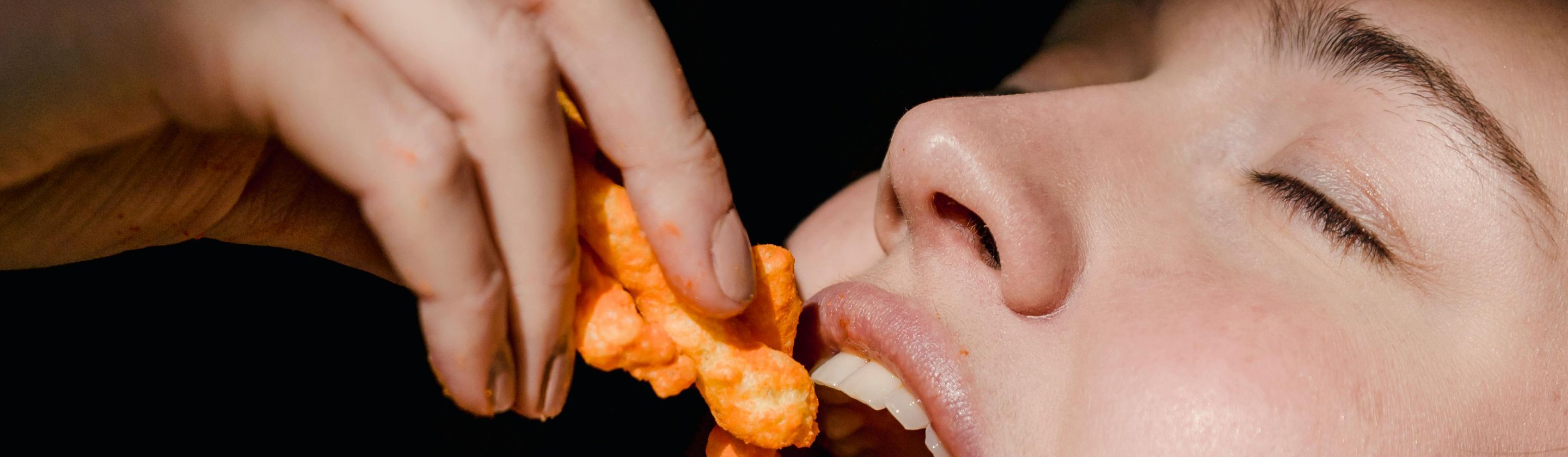

Listen To Your Eyes And Act Right
Your eyes also experience fatigue. It builds quietly, hidden behind long hours and endless focus. In a time when most of our attention lives on screens, our eyes are under constant pressure to keep up. But they have limits. And if you know how to spot the signs, you’ll know when to give them the break they deserve. Here, we not only cover the signs but also how to ease your eye strain. We’ll kick off with the pointers.
 Photo By: Kaboompics.com on Pexels
1. Your Eyes Feel Gritty Or Sandy
Eye strain can dry out your tear film, making your eyes feel scratchy. This happens because blinking decreases when focusing, so your eyes don't stay properly lubricated. Many people describe the feeling as if there’s dust in their eyes, even when nothing is there.
 Photo By: Kaboompics.com on Pexels
2. You Misjudge Distances Or Bump Into Things
When your eyes are tired, they can struggle to shift between near and far objects, so it becomes harder to judge distance accurately. As a result, you may bump into things, miss steps, or knock items over—especially in dim lighting.

3. Your Vision Goes Blurry After Screen Time
Focusing on a fixed point for too long can tire your eye muscles and cause temporary blurriness, especially after screen use. The blur can be confusing, and you may think your glasses are wrong when they’re not.
4. You Get Frequent Headaches Behind Your Eyes
When your eye muscles are strained or your vision isn’t properly corrected, you may experience headaches, especially behind the eyes. These headaches typically build slowly and worsen over the course of the day, particularly after long sessions of reading or computer use.
 Photo By: Kaboompics.com on Pexels
5. Your Eyes Water More
Dry eyes due to strain can ironically cause your eyes to water excessively. This happens because irritation triggers tear overproduction, but these tears are thin and watery and lack the oils that soothe your eyes.
 Photo By: Kaboompics.com on Pexels
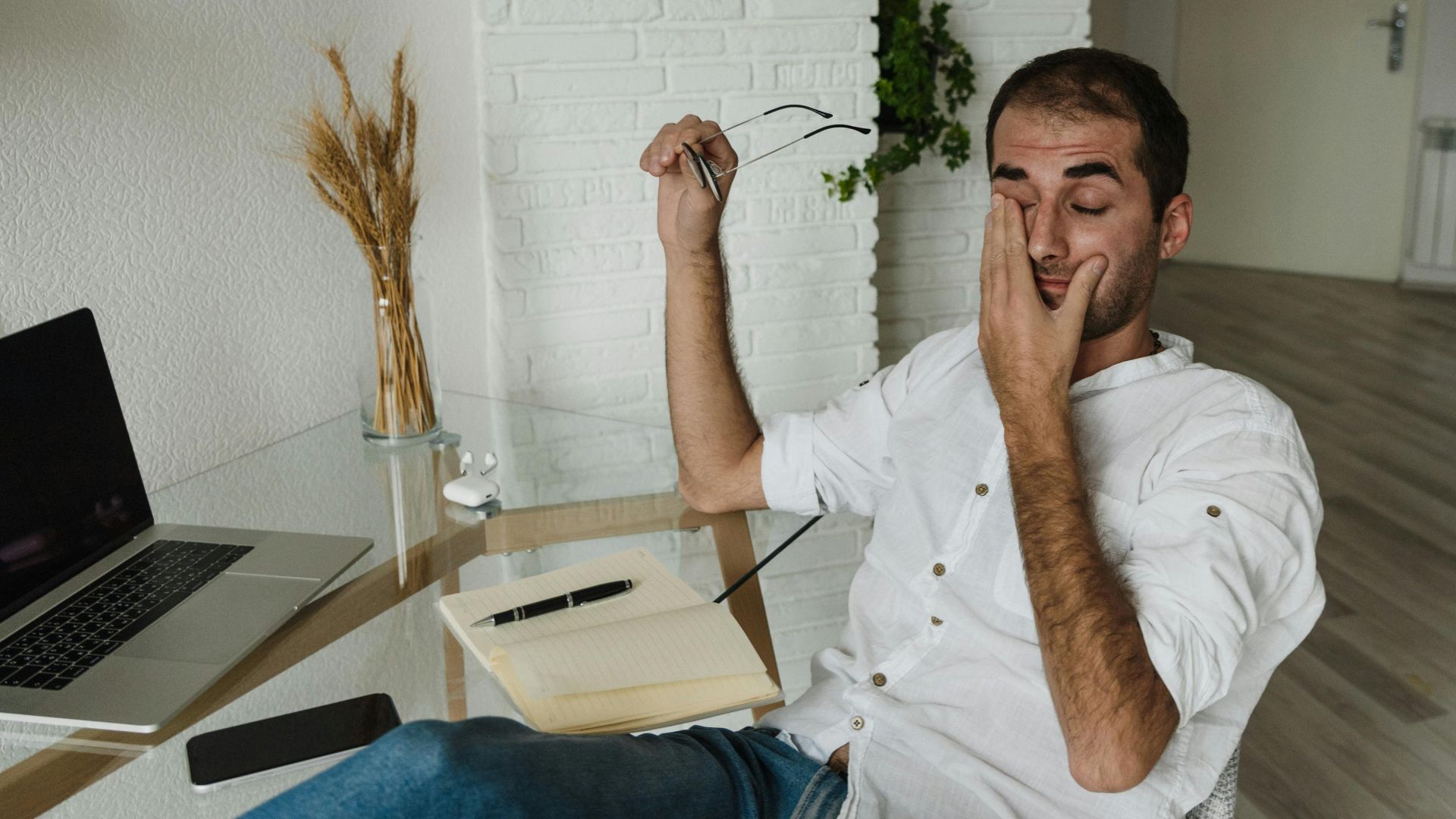
6. You Often Rub Your Eyes Without Realizing
Strained eyes can feel itchy or irritated, which prompts you to rub them, sometimes without even noticing. While rubbing may trigger temporary tear production and increased circulation, it can also worsen irritation and cause redness.
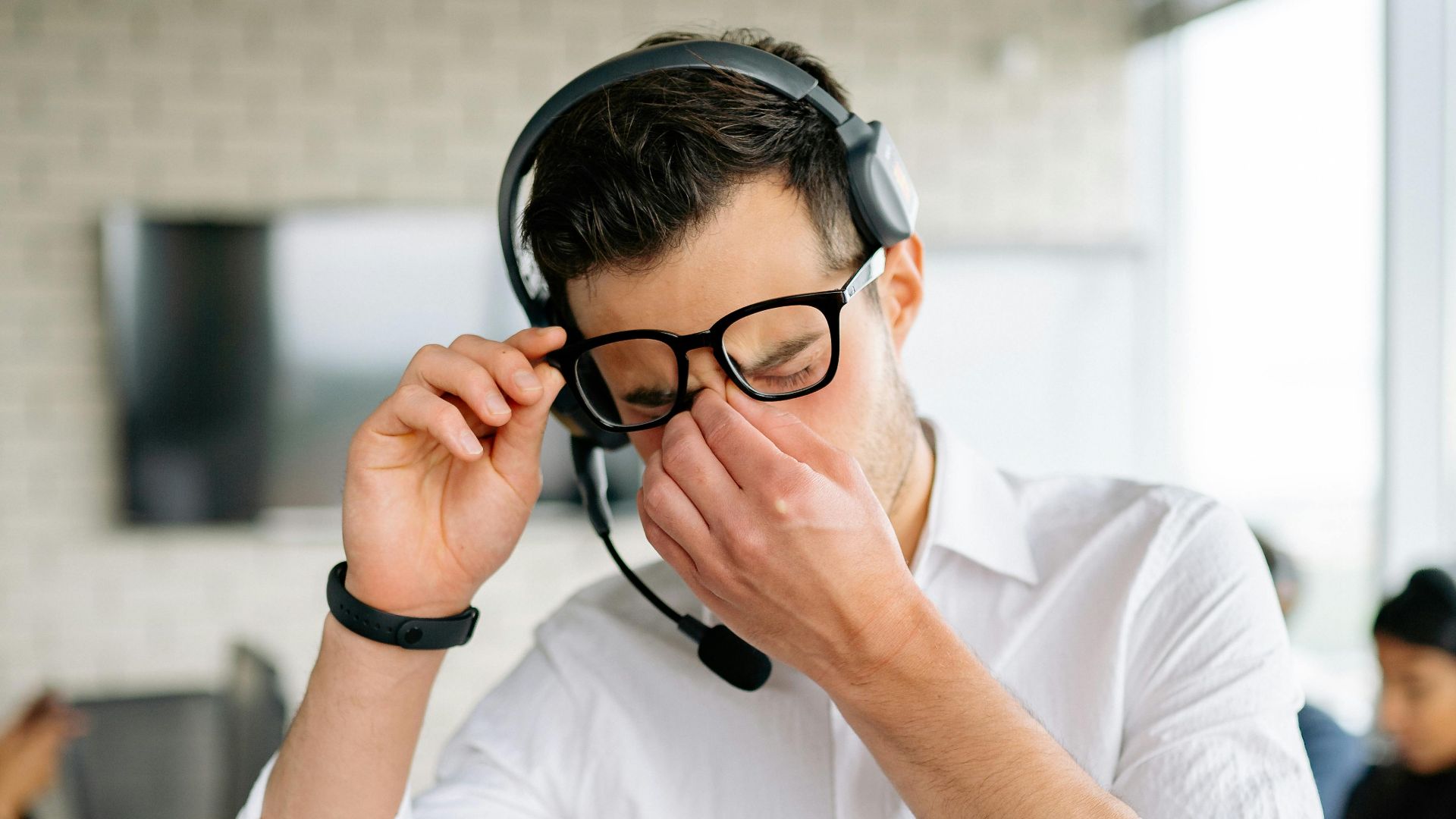
7. You Struggle To Keep Your Eyes Open In The Evening
After a long day, your eye muscles start to feel exhausted. If your eyes are strained, they’ll have to work even harder to focus. This wears them out faster and may lead to that familiar heavy-lid feeling in the evening.

8. You Notice Increased Light Sensitivity Indoors
Overworked eyes can become unusually sensitive to light, especially artificial sources like fluorescent bulbs or screen glare. This sensitivity might make you squint indoors more than you do outdoors, even on cloudy days.

9. You Squint Often, Even With Your Glasses
Squinting changes the shape of your eyes slightly, which can help sharpen blurry images, but doing this often is a clear sign of strain. It can also mean your prescription is out of date. Also, squinting can lead to forehead wrinkles or tension headaches.

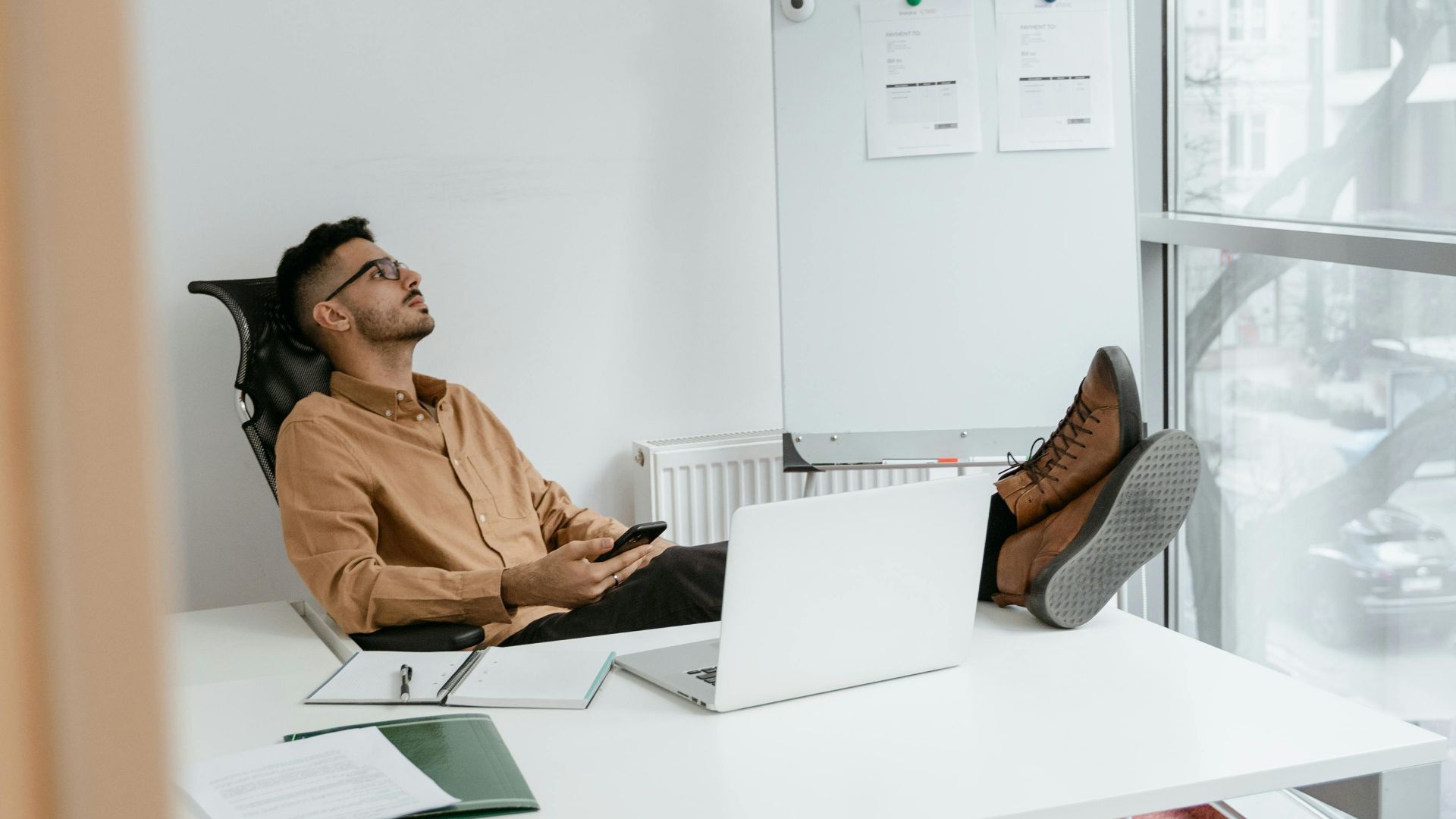
10. Your Neck Or Shoulders Feel Stiff After Reading
Eye strain often leads to poor posture as you lean forward to see better. This unconscious adjustment puts pressure on your neck and shoulders, forcing those muscles to work overtime. You may not realize the tension until you stop working.
 Photo By: Kaboompics.com on Pexels
And it’s a wrap for the signs. Now, over to the methods for calming your eyes.
1. Blink Every 20 Seconds While Working
Blinking keeps your eyes moist and helps spread your natural tears evenly. When using screens, we often blink far less, sometimes as few as five times a minute. A conscious blink every 20 seconds helps prevent dryness and restore eye comfort quickly.

2. Follow The 20-20-20 Rule Every Hour
Every 20 minutes, look at something 20 feet away for at least 20 seconds. This gives your focusing muscles a break and helps prevent continuous near-vision strain. It’s one of the easiest ways to care for your eyes during long screen sessions.
3. Adjust Screen Brightness To Match Your Surroundings
When your screen matches the light around you, it’s easier to read and reduces strain. Most devices have auto-brightness features, but you can also manually match it by holding up a white page and adjusting until it blends in.
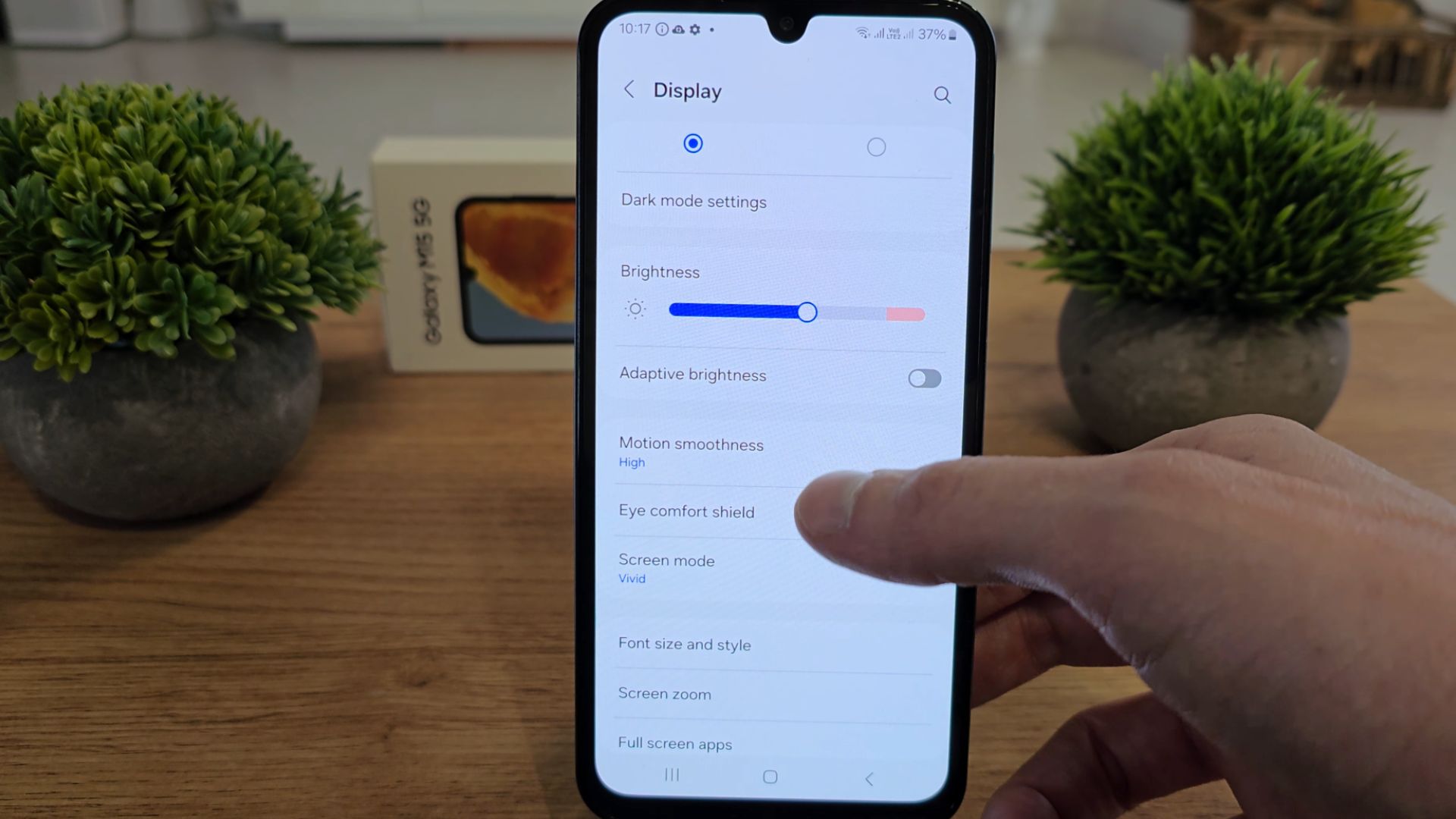 🌞 How to Adjust Screen Brightness on Samsung Galaxy M15 🌞 by GSM DIY
4. Increase Text Size On Devices
Small text makes your eyes strain to read and track. Increasing font size reduces visual effort and makes reading or typing more comfortable. You may even find yourself reading faster and with fewer distractions when the text is easier to see.
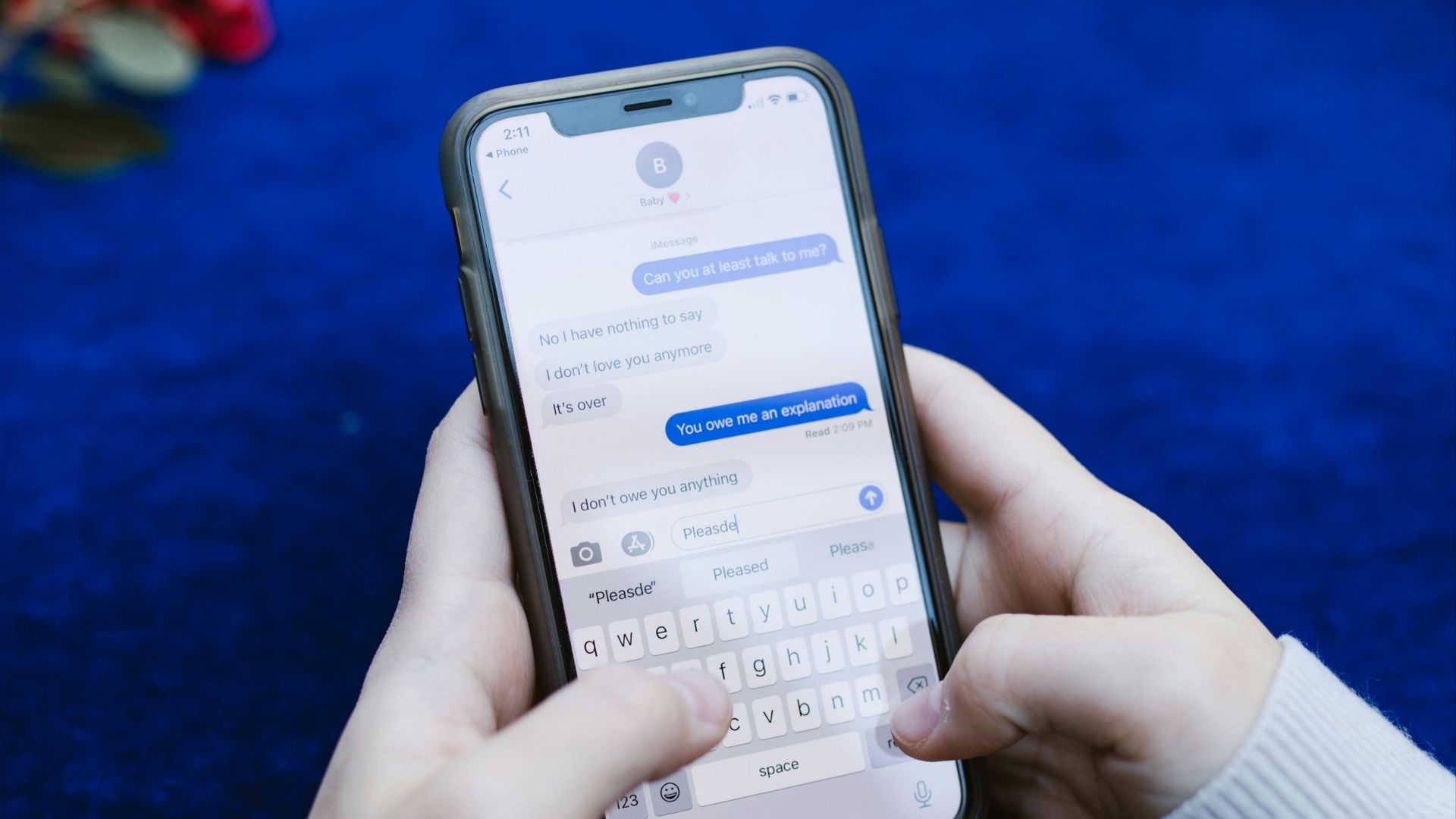
5. Use Blue Light Filters In The Evening
Using blue light filters or night mode shifts your screen to warmer tones, reducing stress on your eyes and supporting better sleep. The screen may look yellowish, but the relief is real. You can also use blue light glasses for the same benefit.
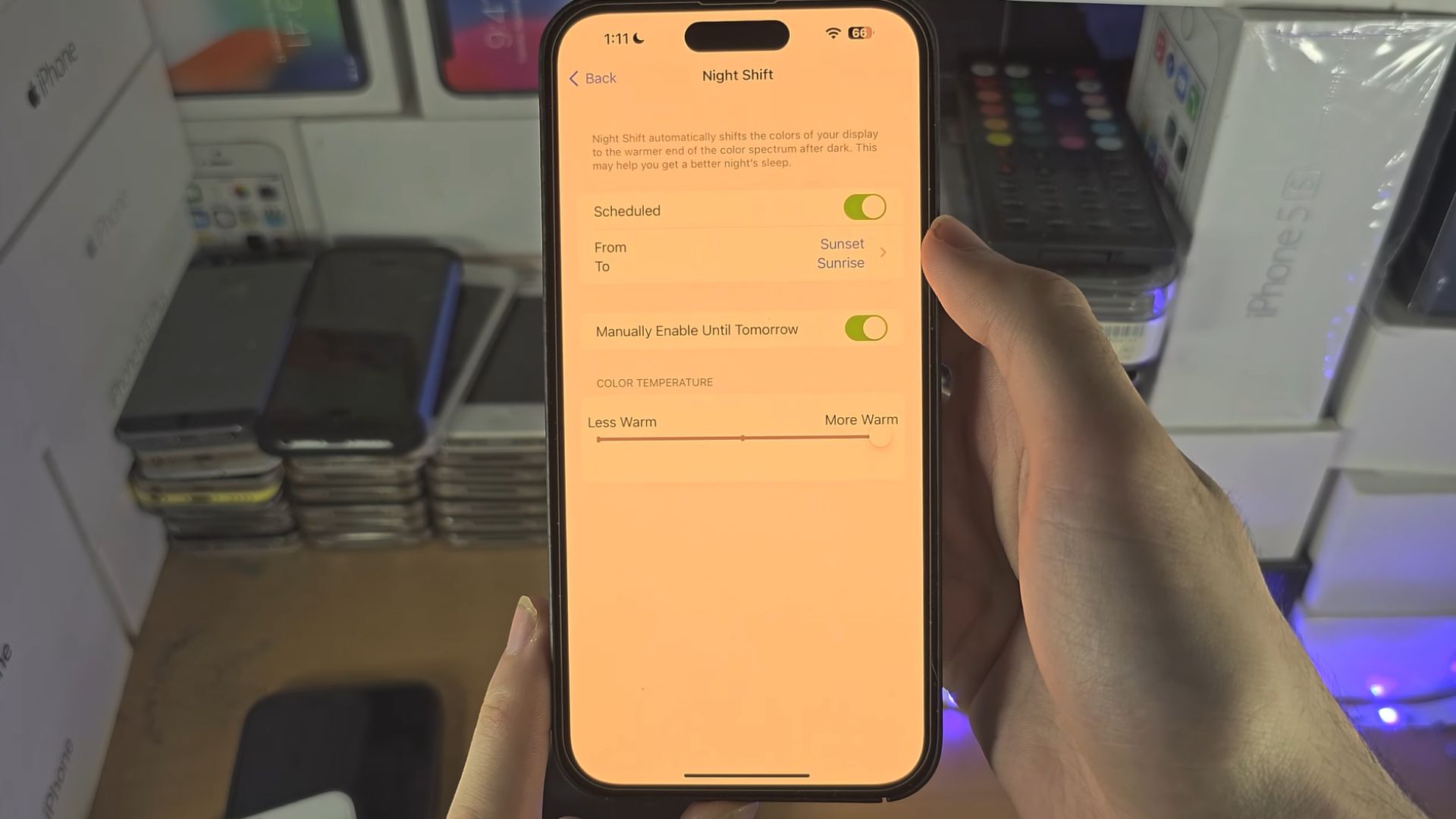 ANY iPhone How To Activate Blue Light Filter! by Saunders Tee
6. Place Screens Just Below Eye Level
When screens sit too high, they cause unnecessary strain on both your eyes and neck. Lowering your screen, however, allows your eyelids to naturally protect and moisturize your eyes. A relaxed downward gaze also supports better posture.

7. Take Eye Yoga Breaks For 5 Minutes Daily
Simple eye movements like rolling or shifting focus help improve eye muscle flexibility and blood flow. These exercises can be done right at your desk, and many people feel noticeable relief after a few rounds.
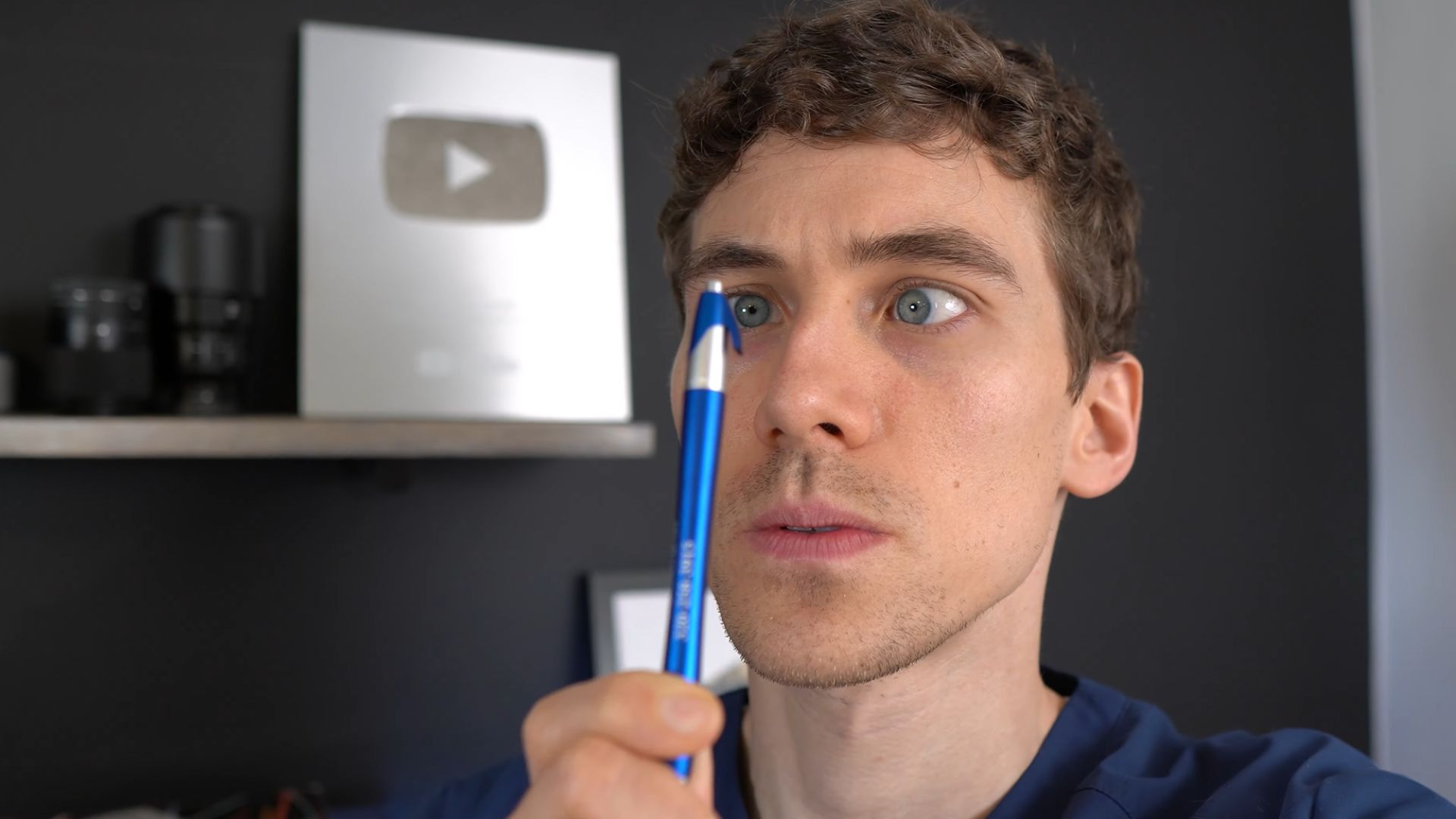
8. Use A Warm Compress Before Sleep
A warm compress can unclog oil glands and help your eyes retain moisture. It also relaxes the muscles around your eyes and eases tension and dryness. All you need is a soft cloth soaked in warm water.
 How to treat a stye | NHS by NHS
9. Stay Hydrated To Support Tear Production
When you're dehydrated, your body makes fewer tears, which can dry out your eyes. Even slight dehydration can affect your eyes by mid-afternoon. Drinking enough water keeps your tear film healthy and your eyes more comfortable.

10. Switch To Matte Screen Protectors
Glossy screens reflect light directly into your eyes, increasing fatigue, but matte screen protectors diffuse that light and soften the display. They reduce glare and make it easier to read, and as a bonus, matte protectors help reduce smudges and fingerprints.
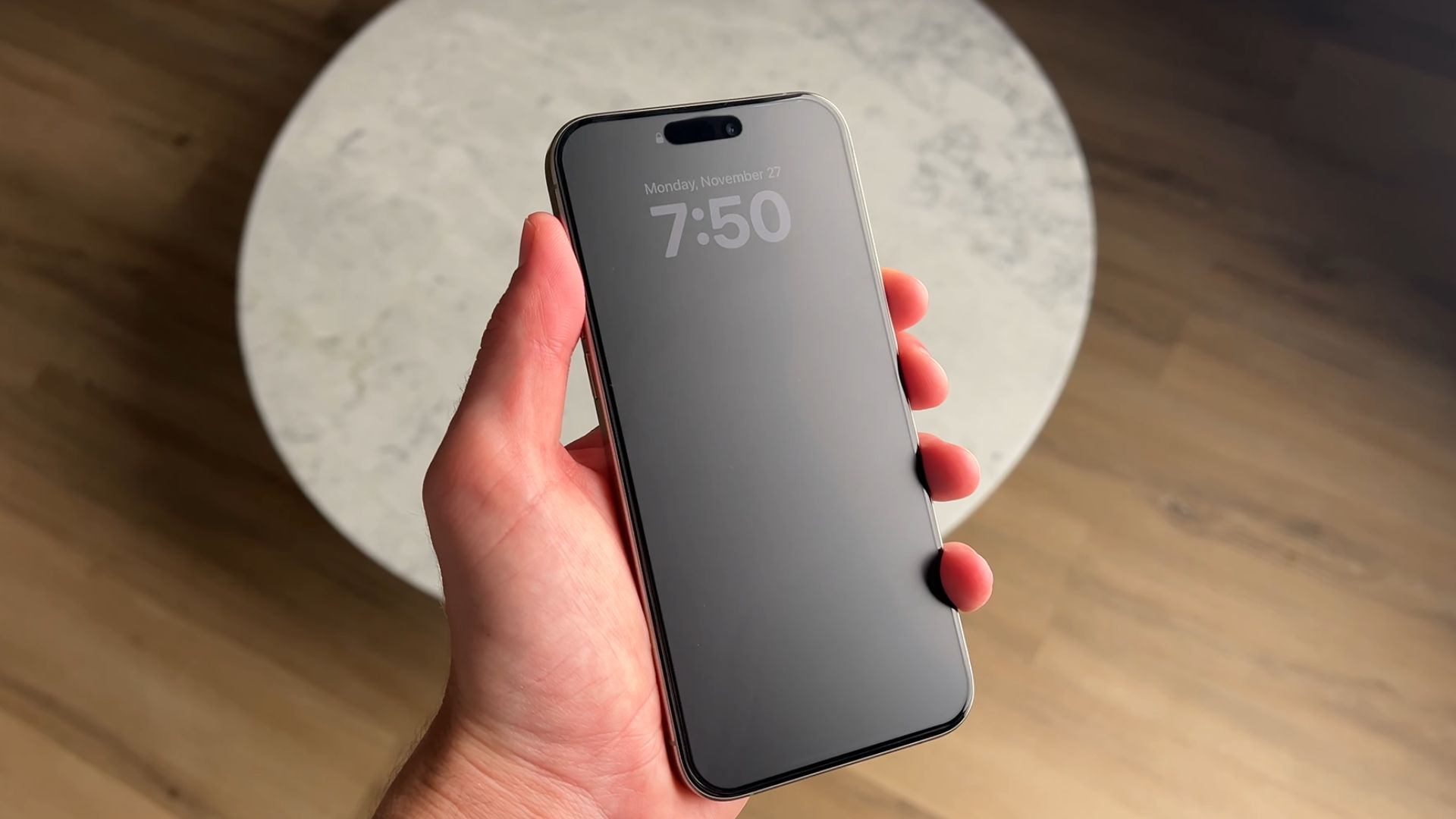 I Tried A Matte Screen Protector For 10 Days by Andrew Clare
KEEP ON READING



20 Ways To Get Your Vitamins And Minerals
20 Ways Doing Less Can Actually Improve Your Health