

Please, Please, Save Your Back
For many of us, desk work has become our norm. While it’s comforting not to have to work outside in terribly cold or hot weather, this sedentary lifestyle causes a fair amount of hassle when it comes to our bodies. Long, uninterrupted sitting with less-than-ideal work setups causes a plethora of long-term issues if you’re not careful. Here are 10 things you’re probably doing wrong, and 10 ways you can make your body feel normal again.
1. Forward Head Creep
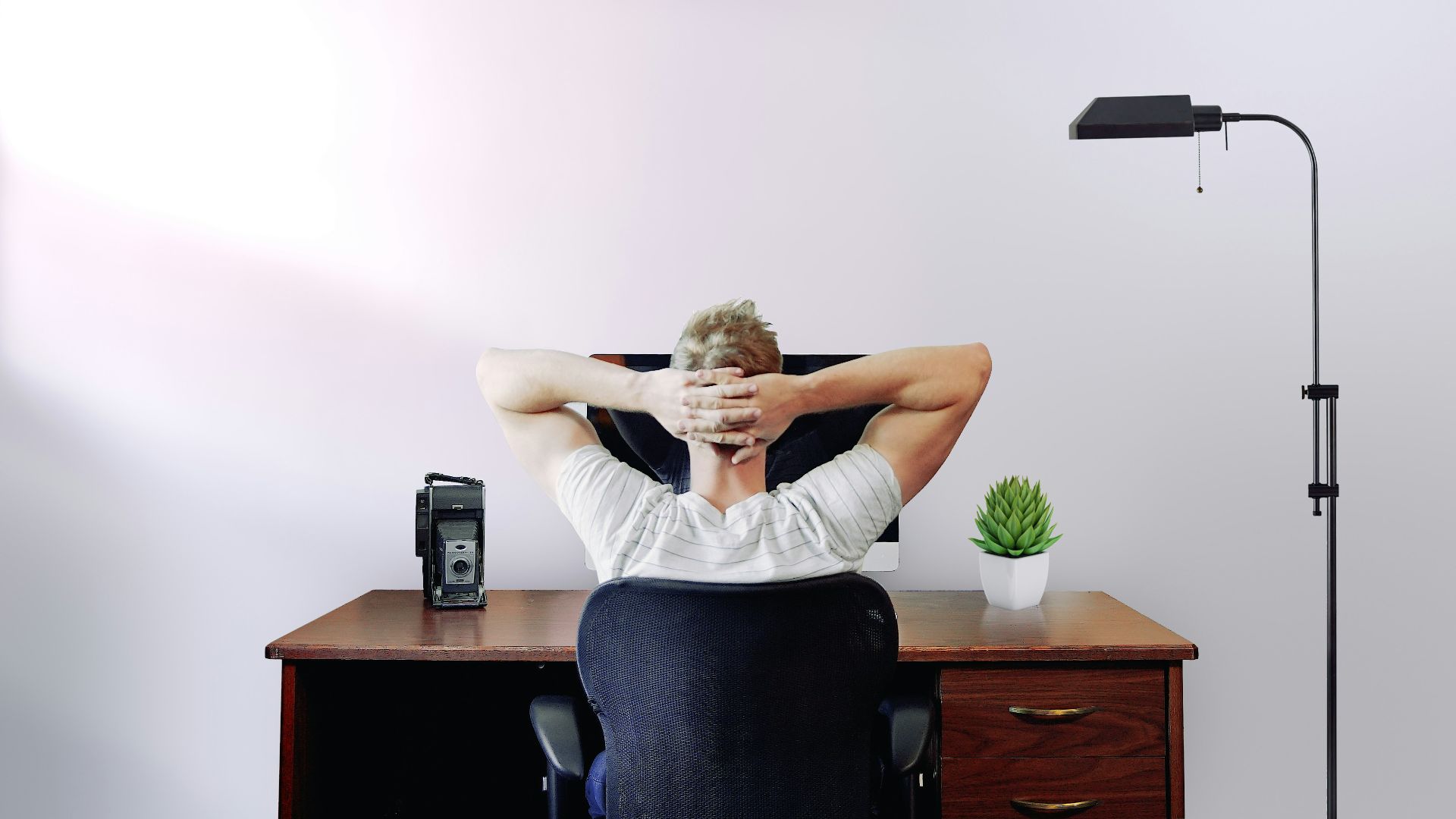
Your head drifts toward the screen one email at a time, and your neck muscles end up working overtime just to hold you there. Over time, this posture can contribute to tension headaches, neck pain, and that tight feeling at the base of the skull. This leads to the dreaded “iPhone hump” we see on many folks today.

2. Rounded Shoulder Slump
When your shoulders roll forward, your chest tightens, and your upper back gets lazy, which is a disappointing team effort. This can only worsen shoulder irritation and create those constant sore spots in and around your shoulderblade area.

3. Sitting For Too Long
Prolonged sitting increases pressure on spinal discs, and comparisons often show that sitting can load the spine more than standing. As the hours stack, your hips tighten, your core checks out, and slouching becomes the default. You don’t notice it much when you’re sitting, but you’ll definitely feel it when you stand.

4. The Computer Monitor Problem
A low monitor pulls your gaze downward, and your neck follows, which is a massive contributor to the hump neck problem. A screen that’s too close can also lead to squinting and subtle head tilting, which strains your eyes and can cause further irritation.

5. Keyboard And Mouse Too High
When your keyboard or mouse sits too high, your shoulders creep upward, and your elbows flare above a comfortable angle. That position can fatigue your upper traps and contribute to wrist and forearm irritation over time. Home office setups are especially guilty here, so it’s good to get a proper desk setup no matter where you work.

6. Leg Crossing And Dangling Feet
Crossing your legs can shift your pelvis and encourage uneven pressure through your hips and lower back, while dangling feet reduces circulation and makes your core work harder than it should. This leads to very, very tight hip flexors.

7. Leaning On One Elbow
Resting on one arm compresses tissues and nudges your torso into a sideways tilt. If the desk edge digs in, it can add nerve irritation and shoulder strain, while also ruining your body’s neutral posture.

8. Zero Lumbar Support
A chair without decent lower-back support tends to flatten the natural curve of the spine. That can increase disc stress and end up making you slouch over time, especially during long working hours.

9. Perma-Shrugged Shoulders
Some people shrug because their desk setup forces it, and some shrug because stress lives in their shoulders. Either way, holding that tension all day fatigues the neck and upper back muscles that are supposed to help you stay upright. You may not notice until you try to relax and realize you cannot.

10. Skipping Movement And Stretching
Staying in one position for too long tightens the chest, hips, and neck while the muscles that support posture get less active. Over months and years, those imbalances can become your default resting position, which makes good posture feel bad and unnatural.

1. Chin Tucks And Screen Height
Set your screen so the top is at or slightly below eye level, and keep it about an arm’s length away so you’re not craning forward. Adding a few gentle chin tucks during the day builds the habit of stacking your head over your shoulders again.

2. Open The Chest, Wake The Back
A quick doorway chest stretch helps undo the tightness that comes from hunching over a keyboard. Follow with slow scapular squeezes, drawing your shoulder blades back and down without arching your lower back. Done regularly, this combination helps to warm up and activate the muscles in your upper back.
3. Micro-Breaks Every 30 Minutes
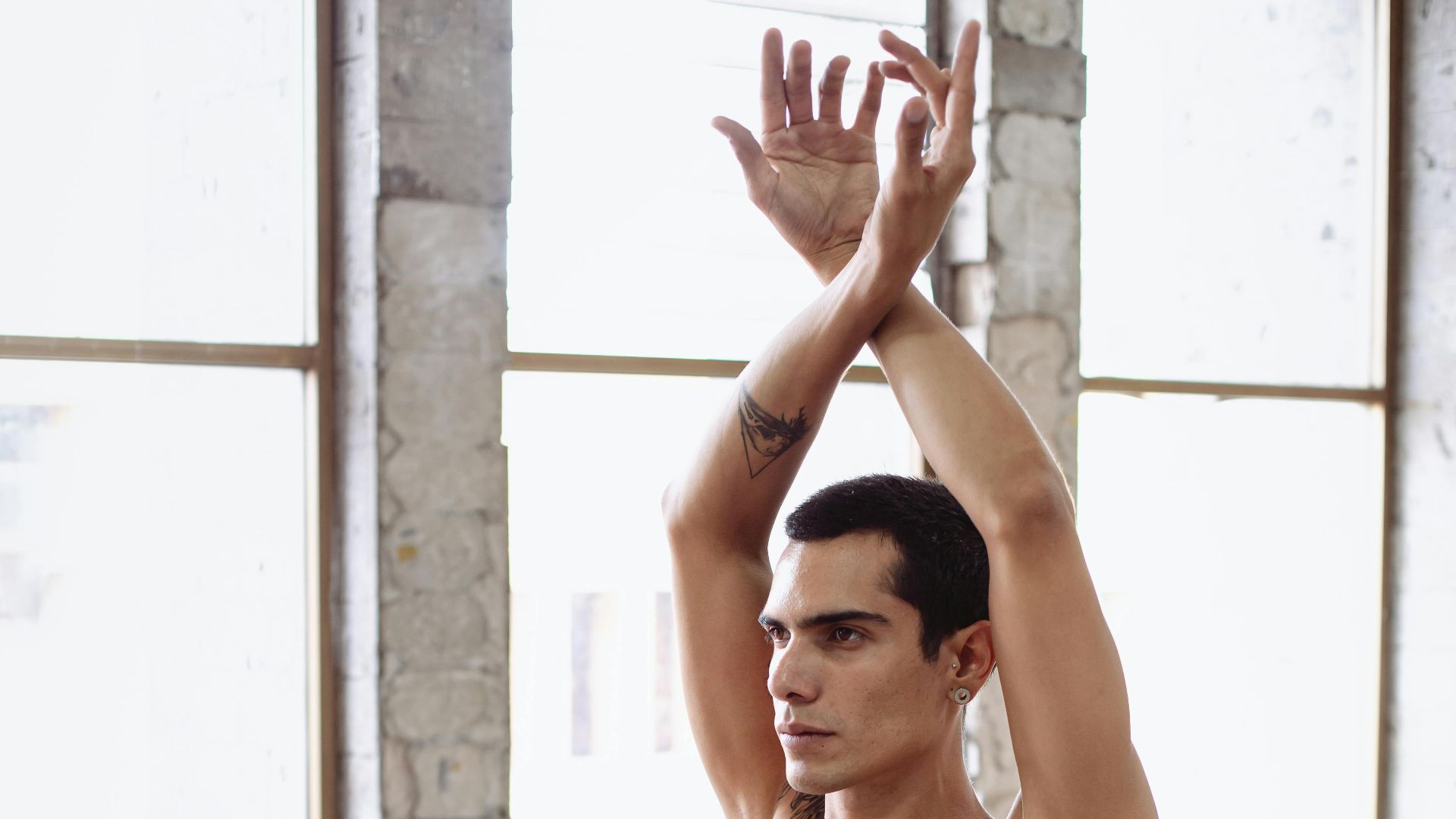
Stand up and move for one to two minutes about every 30 minutes, even if it’s just a short walk and a posture reset. Movement breaks help decompress the spine and re-engage the muscles.

4. Raise Your Monitor The Simple Way
Use a sturdy stand or a stack of books to lift your monitor into a neck-friendly position. Center the screen directly in front of you so you’re not twisting your head to one side for hours. If you use two monitors, keep the main one straight ahead and place the other close enough that you’re not constantly rotating.
5. Ninety-Degree Elbows, Relaxed Shoulders
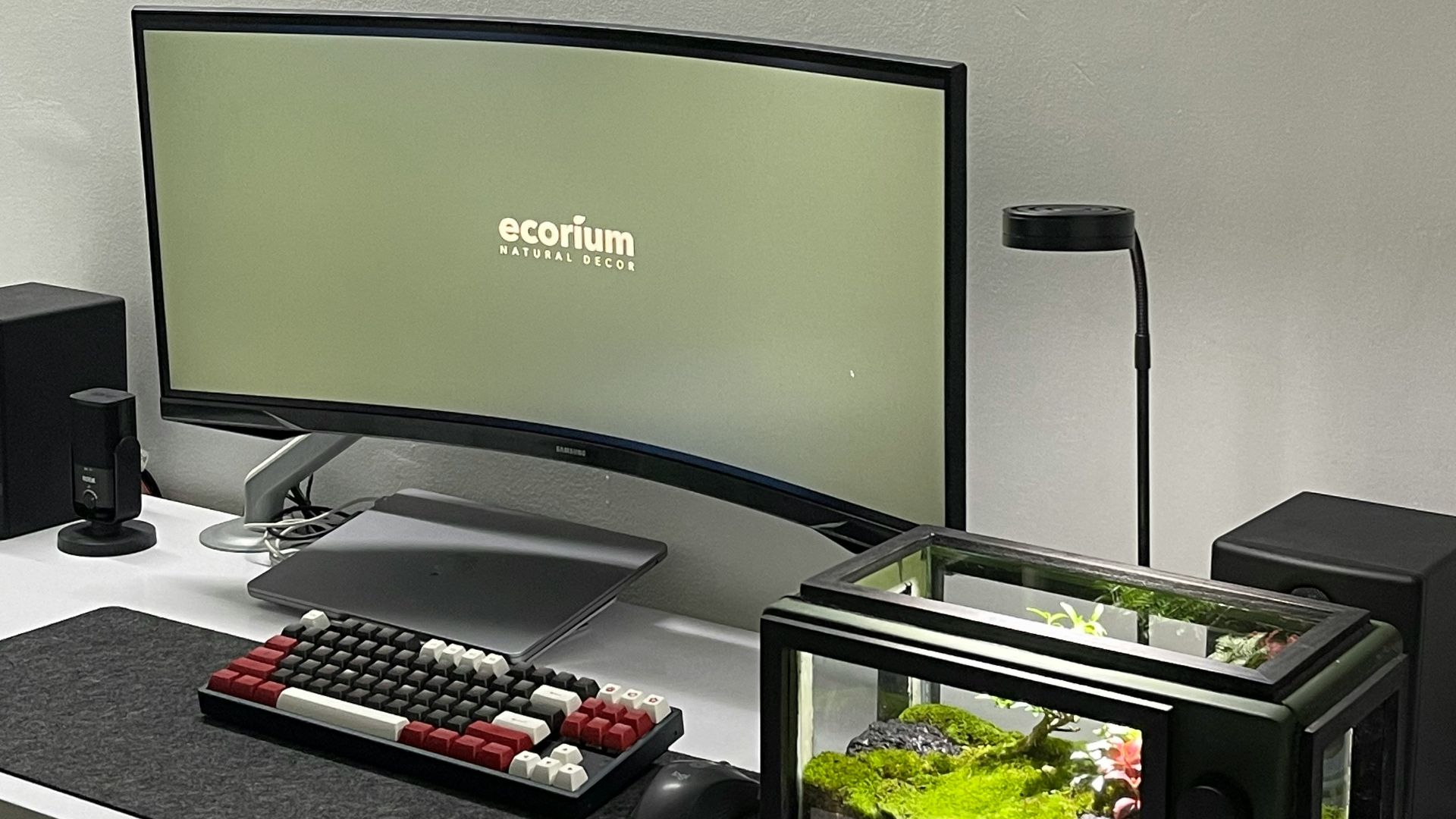
Lower your keyboard and mouse so your elbows can sit at around 90 degrees as you work. If you find that your wrists are still struggling with this new setup, you can get a keyboard or mouse pad to help support your forearm area.

6. Feet Flat, Hips Supported
Adjust chair height so your thighs are roughly parallel to the floor and your feet are flat. If your feet do not reach comfortably, use a footrest or a stable box so you’re not hanging off the edge of your chair. This supports pelvic alignment and takes pressure off the lower back.

7. Clear The Desk Edge And Pull Tools Close
Move clutter away so your forearms can rest without digging into a sharp edge or forcing you into awkward angles. Keep the keyboard and mouse close enough that your elbows stay near your sides. This small change can reduce a surprising amount of shoulder and neck strain.

8. Add Real Lumbar Support
Use a chair with adjustable lumbar support, or add a portable cushion that supports the small of your back. Aim for a setup where your hips sit slightly higher than your knees, which mimics a more natural upright position.

9. Set Armrests To Help, Not Hinder
Adjust armrests so they support your arms without lifting your shoulders. If armrests force your shoulders up, lower them or remove them entirely.
10. Build A Daily Mobility And Strength Loop
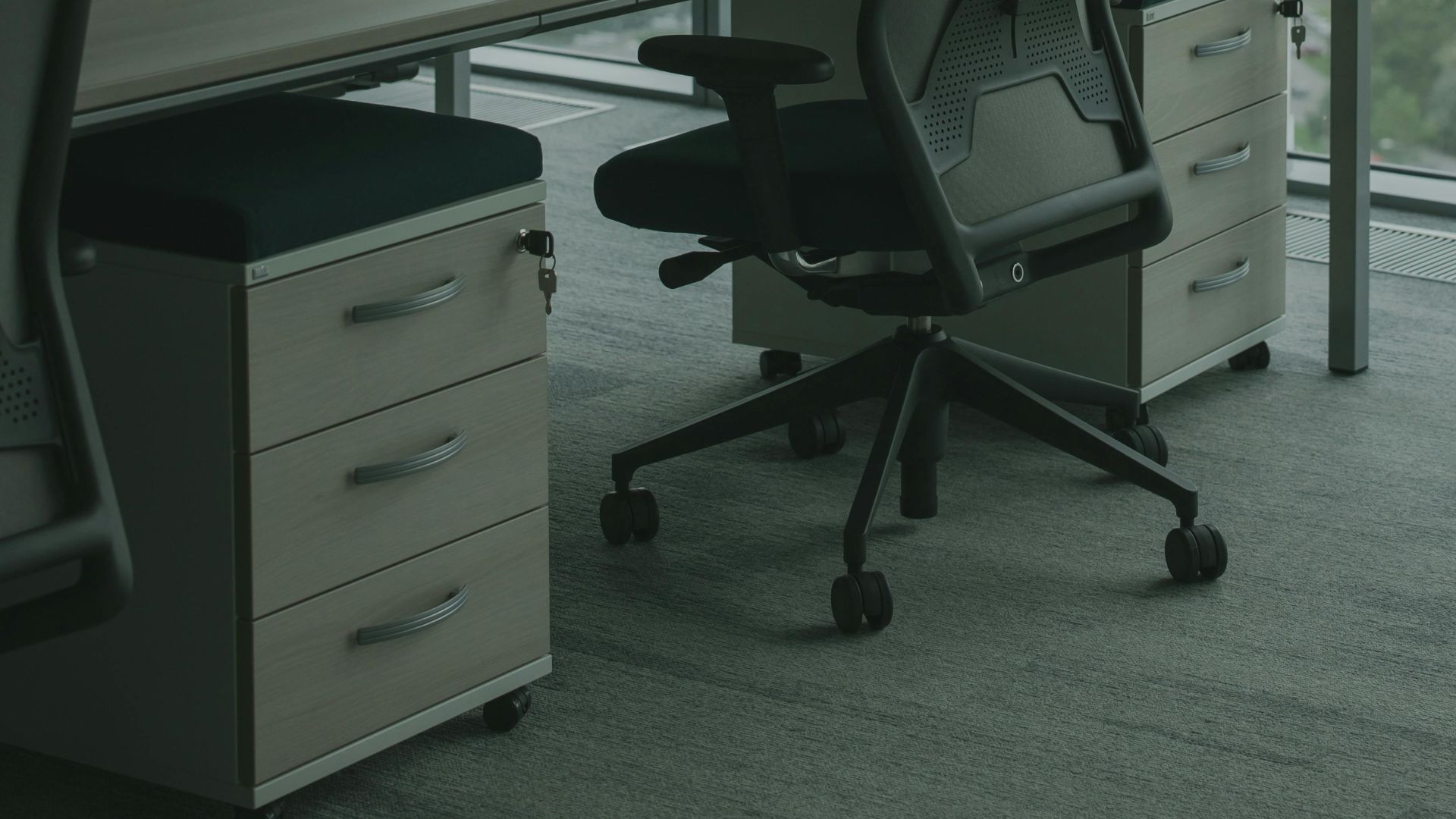
Add brief hip flexor stretches, chest opening, and gentle cat-cow movements to your day so stiffness does not get to settle in. Strengthening the muscles that support posture, including the upper back and core, helps to maintain these other small improvements.

KEEP ON READING

20 Things That Happen to Your Body at High Altitude